How much does Otter give you for free?
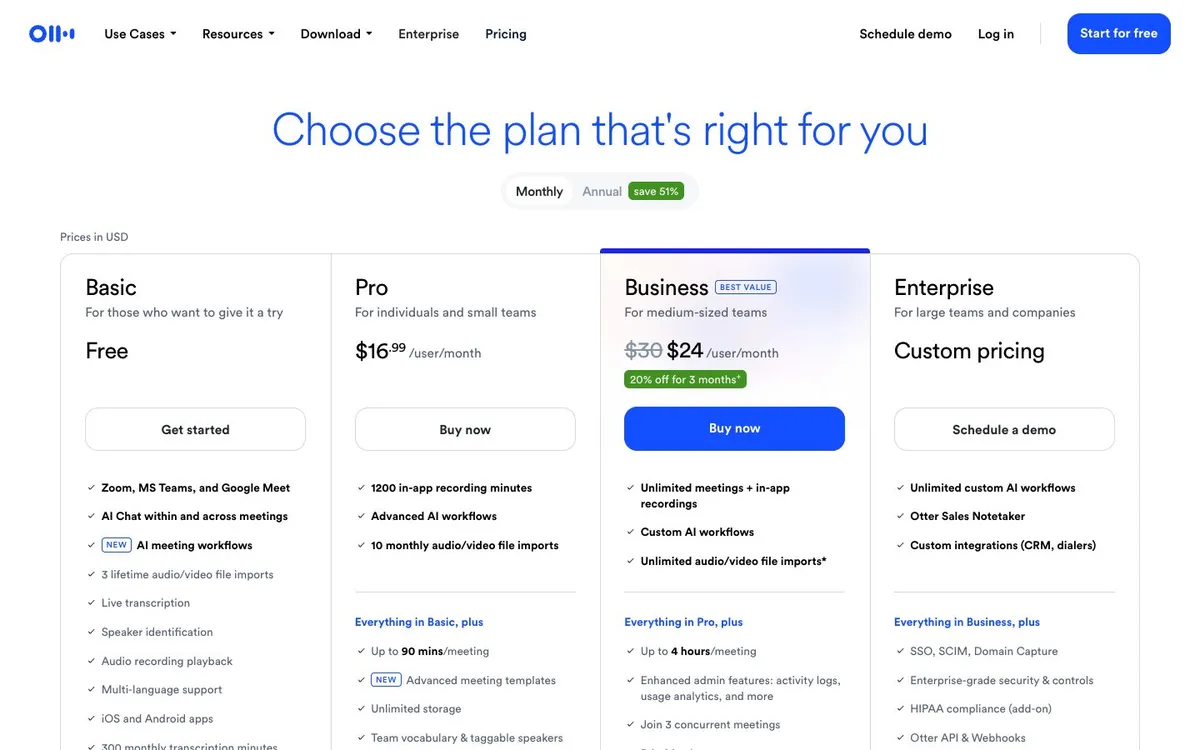
The Basic plan on Otter's pricing page is free with 300 transcription minutes a month (no rollover), a 30-minute ceiling per conversation, 3 file imports for life and only your 25 most recent conversations. It also includes live transcription, speaker identification, AI chat (20 queries) and the iOS and Android apps.
In real life that means one weekly 30-minute meeting fits, a one-hour client call does not. Is it enough? For voice memos and short interviews, yes. For a workweek of meetings, no.
| Plan | Billed yearly | Billed monthly | What you get |
|---|---|---|---|
| Basic | $0 | $0 | 300 transcription minutes a month, 30 minutes max per conversation, 3 lifetime file imports, 25 most recent conversations, 20 AI chat queries |
| Pro | $8.33 | $16.99 | 1,200 minutes a month, 90 minutes per meeting, 10 imports a month, unlimited storage, up to 5 members |
| Business | $19.99 | $30 | Unlimited meetings, 4 hours per meeting, 6,000 imported minutes, 3 concurrent meetings, up to 25 members |
| Enterprise | not listed | Quote | Sales quote: SSO and SCIM, HIPAA add-on, API and webhooks |
Full Otter pricing breakdown with a seat calculator →
Otter Pro and Business prices
Pro is $8.33 per user a month on yearly billing ("save 51 %") and $16.99 monthly, with 1,200 minutes a month and 90 minutes per meeting. Business is $19.99 yearly or $30 monthly (the monthly view also showed a $24 promotional price), and removes the minute cap with 4-hour meetings. A note for the curious: hidden text in the page code mentions $6.67 and $13.59 for Pro. We report the visible prices. More on our Otter pricing page.
Where Otter is still great: the phone
Otter's iPhone app sits at 4.8 out of 5 from 90,367 ratings on the App Store, the largest rating count of any tool here. Recording from the built-in mic, Bluetooth or AirPods, with live transcript on screen, works the same in a classroom as in a coffee shop. That is why Otter appears in our in-person ranking despite its overall score.
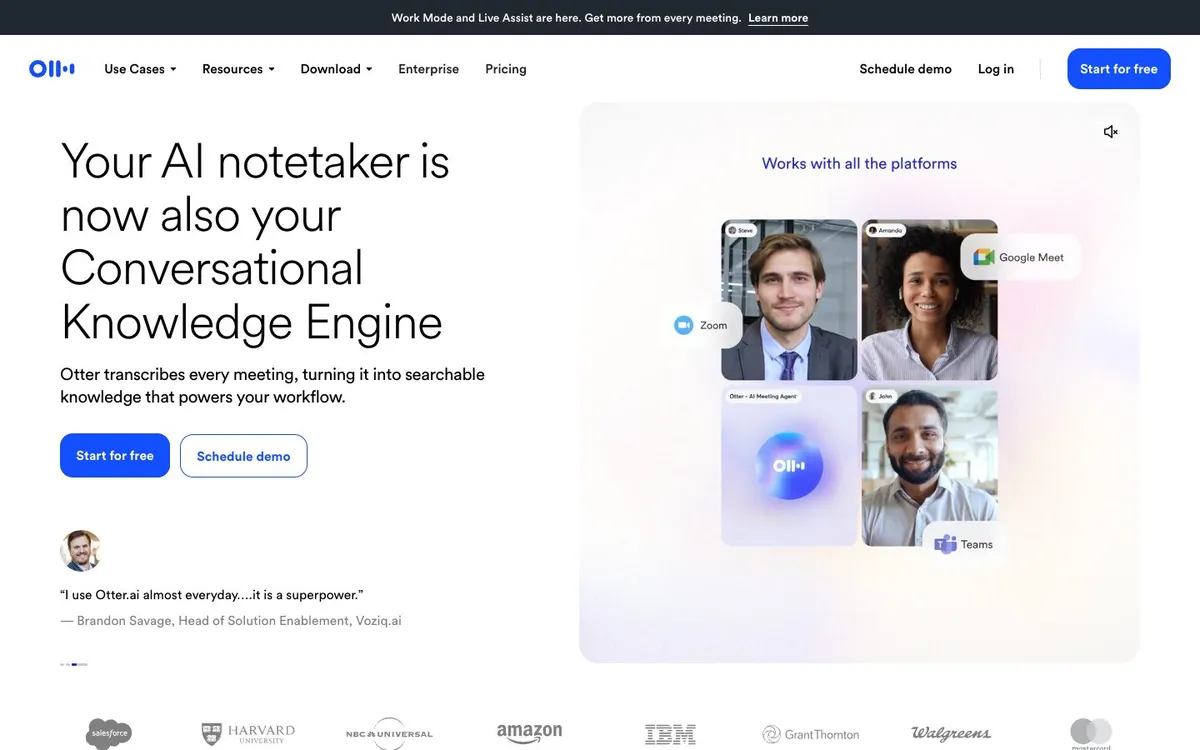
On calls, Otter's notetaker joins Zoom, Teams and Google Meet. There is no bot-free capture documented on the pricing page, so we scored it as bot only.
Languages
Six: English, Spanish, French, German, Japanese and Chinese, as listed in the plan comparison. If your meetings mix in Portuguese or Hindi, Otter is out.
Is Otter safe?
Otter lists TLS and AES-256 encryption and a HIPAA add-on for Enterprise. Two facts weigh more. First, Otter's privacy policy says it trains its "proprietary AI technology on de-identified audio recordings and on transcriptions (which may contain Personal Information)". Second, the consolidated class action In re Otter.AI Privacy Litigation, No. 5:25-cv-06911 (N.D. Cal.), filed August 15, 2025, is ongoing: Otter filed an amended answer on October 29, 2026 (docket). Allegations are not findings. Still, both cost Otter points in our privacy criterion, and we would not record a confidential call on the free plan.
Settings to change on day one
- Turn off auto-join for calendar events you do not own.
- Check auto-share: Otter can share notes with all participants.
- Use the recording disclaimer email on Business if you record external guests.
Read AI and Otter both show up in calls people did not invite them to; our Otter alternatives page lists options that never join.
The catch
Thirty minutes per conversation on the free plan is the shortest cap here after Notta, and six languages is the narrowest list. Otter is a great recorder and an average meeting assistant.
Questions to ask before you pay
- Do your meetings run past 90 minutes? Then Pro is not enough.
- Do you need more than 5 people in the workspace? Pro caps at 5 members.
- Is model training acceptable for your clients? Read the policy linked above.
How the score adds up
Otter.ai scores 7.7 out of 10 with 54.4 points out of 100 on our six criteria. The formula and its inputs are public on how we rate; affiliate deals never change them.
| Criterion | Points | Out of |
|---|---|---|
| Free plan and price | 18.5 | 25 |
| Capture | 9 | 20 |
| Limits | 8 | 15 |
| Languages and integrations | 6.9 | 15 |
| Privacy and compliance | 3 | 15 |
| Public user ratings | 9 | 10 |
| Total | 54.4 | 100 |
| Score shown on this site | 7.7 / 10 |
Alternatives
Fireflies.ai
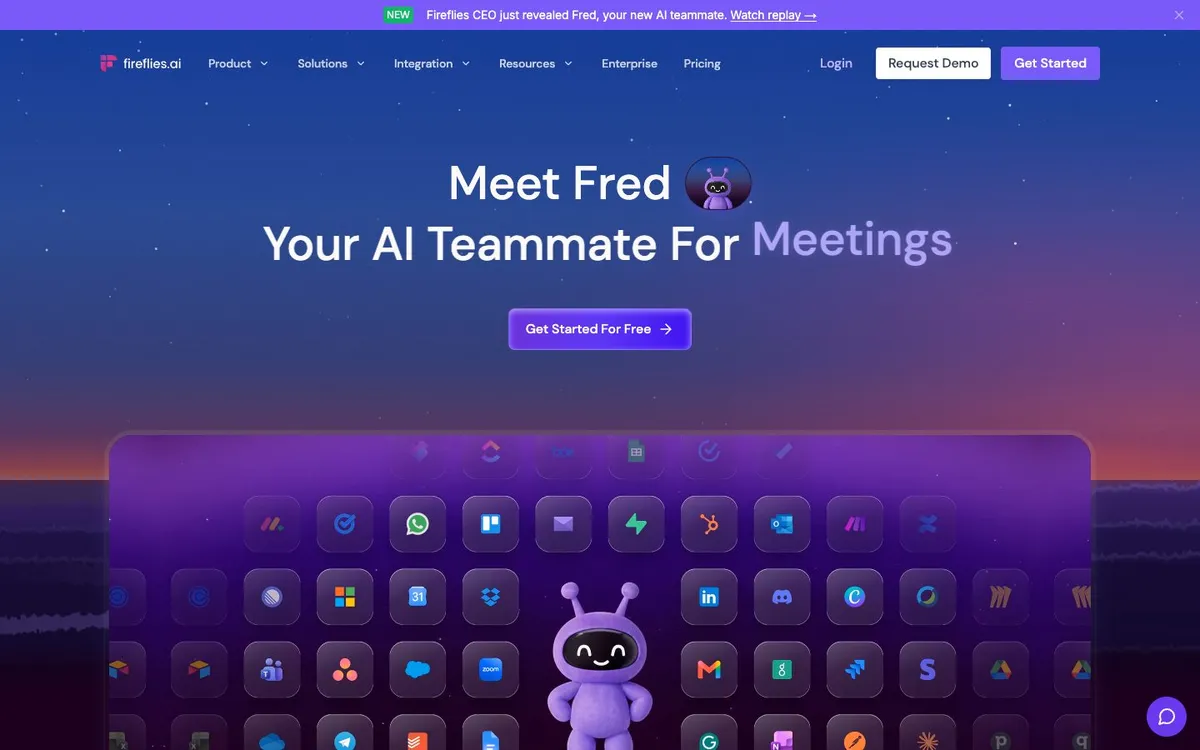
Same platforms, 100+ languages, no training on your data per Fireflies.
Try Fireflies free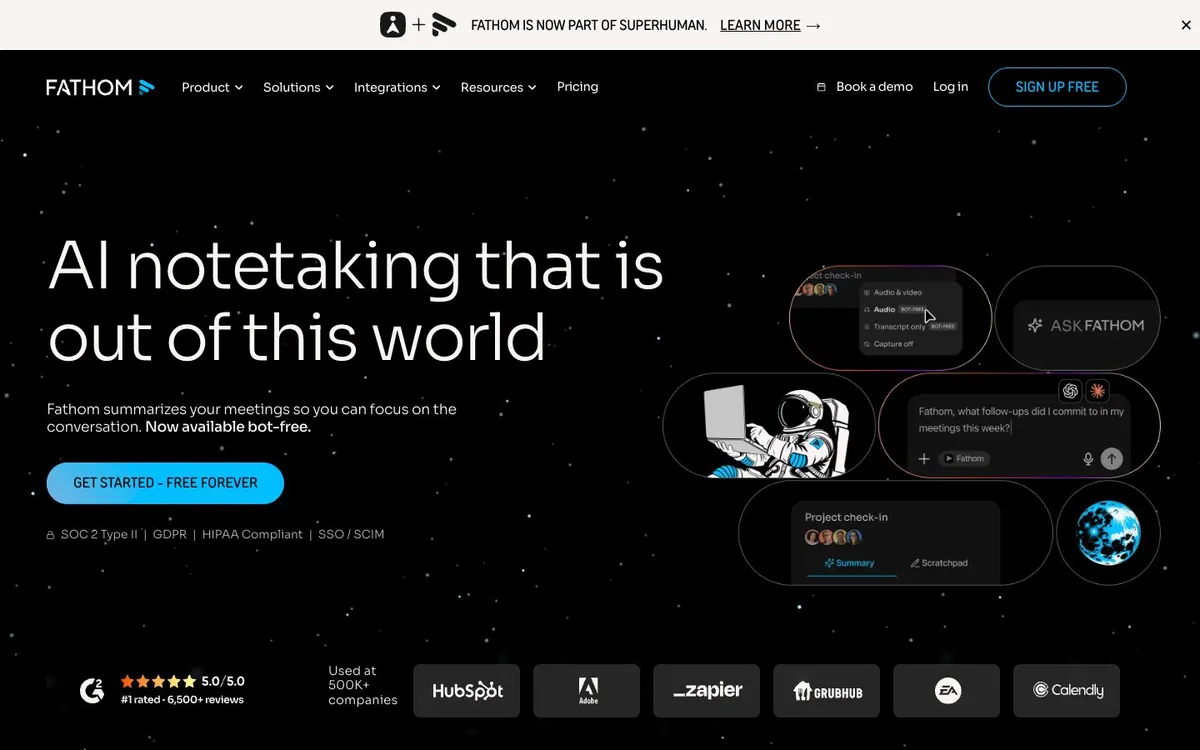
Keep comparing: Granola vs Otter, Fathom vs Fireflies, the ranking this review feeds and the alternatives guide.